YouTube Thumbnail Downloader 4K YT Thumbnail Download
YTThumb is a free YT thumbnail downloader and YouTube thumbnail grabber — paste any link to download the cover image in 4K, HD and every smaller size, with no watermark, on iPhone, Android and desktop.
Supports: youtube.com/watch?v=ID, youtu.be/ID, shorts, embeds, and video IDs
Copyright notice
Thumbnails belong to their respective creators. Use this tool for personal, educational and fair-use purposes only, and respect copyright law.
How to download a YouTube thumbnail in 3 steps
Paste the YouTube link
Copy any video, Shorts or youtu.be URL — or just the 11-character video ID — into the box above.
Pick the thumbnail size
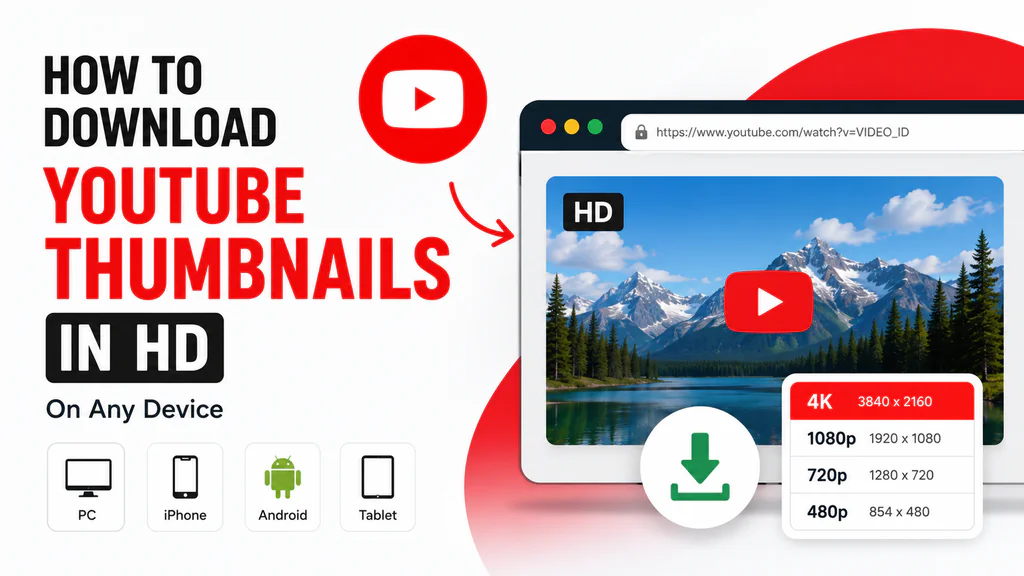
Every size YouTube stores appears instantly, from 4K maxresdefault down to the 120×90 default.
Save the image
Hit Download for the original JPG. On mobile, long-press the image and choose Save Image.
Why creators pick this YT thumbnail downloader
4K & HD downloads
Grab the maximum quality YouTube stores — up to 3840×2160 — plus every smaller size in one place.
Mobile optimised
Runs in any browser on iPhone, iPad and Android. No app install, no permissions.
Fast & free forever
No account, no card, no queues. Thumbnails resolve instantly from YouTube’s CDN.
Recent history
Your last lookups stay on this device so you can re-download without pasting URLs again.
Private by design
Everything happens in your browser. We never store your links or the images you download.
Every size at once
maxresdefault, sddefault, hqdefault, mqdefault and default — compare and pick what fits.
YouTube thumbnail downloader FAQ
What is a YouTube thumbnail downloader?
A YouTube thumbnail downloader is a tool that pulls the cover image of any YouTube video straight from YouTube’s image servers. Paste a link into this YT thumbnail downloader and every available size, including 4K, is ready to save as a JPG.
How do I do a YouTube thumbnail download in 4K?
Paste the video URL above and press Get Thumbnails. If the creator uploaded a high-resolution image, the Max Resolution (up to 3840×2160) option appears — click Download to save the original 4K file.
Will the downloaded thumbnail have a watermark?
No. The image is fetched straight from YouTube’s image servers, so you get the exact file the creator uploaded with no logos or overlays added.
Does it work on iPhone and Android?
Yes. If the download opens the image in a new tab, long-press the image and choose Save Image to store it in your gallery.
Which thumbnail sizes are available?
Max Resolution (up to 4K), High Definition 1280×720, Standard 640×480, Medium 480×360 and Default 120×90 — all in JPG format.
Is there a download limit?
No limits, no registration and no fees. Download as many thumbnails as you need.
Does it support YouTube Shorts?
Yes. Shorts, embed links, youtu.be short links and bare 11-character video IDs all work.
About YTThumb, the free thumbnail downloader for YouTube
YTThumb (also known as ThumbDownloader) is a free YouTube thumbnail downloader and thumbnail grabber for saving video cover images at the highest quality YouTube keeps on file. Every YouTube thumbnail download returns the original, untouched JPG — ideal for design work, competitive research or a class deck.
Why download YouTube thumbnails?
- Content creation: study what earns clicks before designing your own.
- Design reference: build mood boards from proven layouts and colour choices.
- Education: illustrate slides, tutorials and courses.
- Analysis: compare quality across resolutions and channels.
Supported URL formats
- https://www.youtube.com/watch?v=VIDEO_ID
- https://youtu.be/VIDEO_ID
- https://www.youtube.com/shorts/VIDEO_ID
- https://www.youtube.com/embed/VIDEO_ID
- VIDEO_ID (11 characters)
Top 10 YouTube Thumbnail Ideas to Boost Click-Through Rate (CTR)
How to Download YouTube Thumbnails in HD – Fast, Free & Easy
YouTube Thumbnail Downloader HD – Download 1080p & 4K Free