
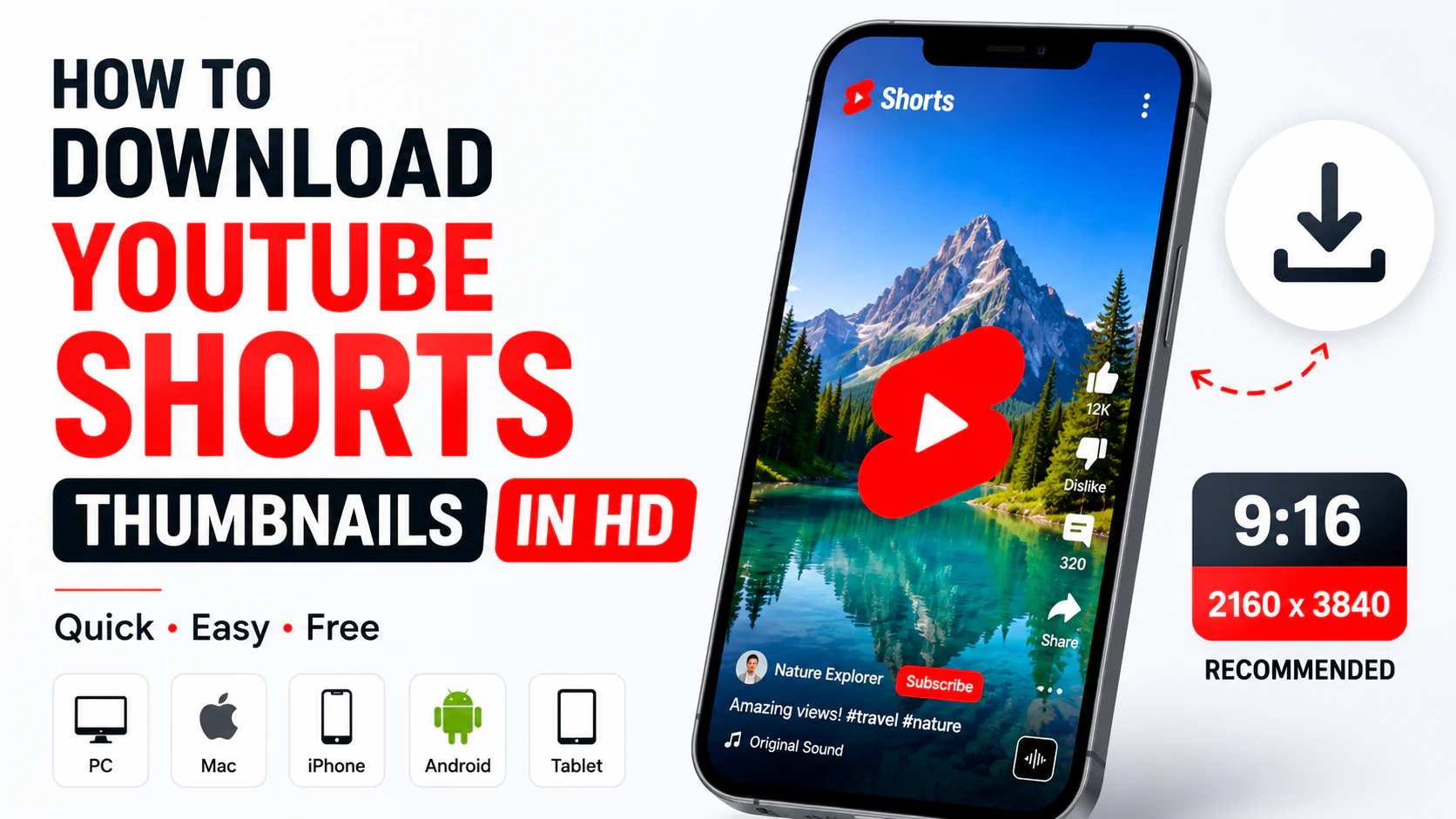
YouTube Shorts have become one of the most popular ways to watch and publish short-form videos. Along with the video itself, the thumbnail can play an important role in how the content appears across YouTube.
If you want to download a YouTube Shorts thumbnail, you don’t need to download the entire Short. You can use the Shorts URL to find and save the available thumbnail image.
In this guide, we’ll explain how to download YouTube Shorts thumbnails in HD on PC, Mac, iPhone, Android, and tablet.
Quick Answer
The easiest way to download a YouTube Shorts thumbnail is:
- Open the YouTube Short.
- Copy its URL.
- Open a YouTube thumbnail downloader.
- Paste the Shorts URL.
- Generate the available thumbnail.
- Choose the highest available quality.
- Download and save the image.
You can try YT Thumbnail Downloader to retrieve the available thumbnail from a YouTube URL.
What Is a YouTube Shorts Thumbnail?
A YouTube Shorts thumbnail is the preview image associated with a Short.
Unlike standard YouTube videos, Shorts are designed primarily for vertical viewing.
A Shorts thumbnail can be used to:
- Represent the Short visually
- Help viewers recognize the content
- Create a consistent channel appearance
- Review or study thumbnail designs
- Keep a reference copy of your published content
The actual thumbnail experience can vary depending on where the Short is displayed on YouTube.
What Is the YouTube Shorts Thumbnail Size?
For Shorts, the recommended format is vertical 9:16.
YouTube’s current documentation recommends 2160 × 3840 pixels for Shorts thumbnails.
That gives you:
Width: 2160 pixels
Height: 3840 pixels
Aspect ratio: 9:16
For comparison, a standard YouTube video thumbnail uses a horizontal 16:9 format.
| Content | Recommended dimensions | Aspect ratio |
| Standard YouTube video | 3840 × 2160 | 16:9 |
| YouTube Short | 2160 × 3840 | 9:16 |
How to Download a YouTube Shorts Thumbnail
The easiest method is to use a browser-based thumbnail downloader.
Step 1: Open the YouTube Short
Open YouTube and find the Short whose thumbnail you want to download.
The URL normally looks similar to:
https://www.youtube.com/shorts/VIDEO_ID
Step 2: Copy the Shorts URL
On desktop, copy the URL from your browser’s address bar.
On mobile, tap Share and then choose Copy link.
Step 3: Open a YouTube Thumbnail Downloader
Open a browser-based YouTube thumbnail downloader.
You can use:
The tool is designed to retrieve available thumbnail images from YouTube video URLs.
Step 4: Paste the Shorts URL
Paste the copied URL into the downloader’s input box.
Step 5: Generate the Thumbnail
Click the generate/download button.
The tool will process the URL and display the available thumbnail image.
Step 6: Select the Available Quality
If multiple image resolutions are available, choose the highest resolution that you need.
Step 7: Download the Image
Save the thumbnail to your computer or mobile device.
That’s it.
How to Download a YouTube Shorts Thumbnail on PC
If you’re using Windows or another desktop computer, the process is simple.
- Open YouTube.
- Open the Short.
- Copy the Shorts URL.
- Open a YouTube thumbnail downloader.
- Paste the URL.
- Generate the thumbnail.
- Select the available resolution.
- Download the image.
The file will normally be saved in your browser’s Downloads folder.
How to Download a YouTube Shorts Thumbnail on Mac
The process is almost identical on macOS.
Steps
- Open YouTube in Safari or Chrome.
- Find the Short.
- Copy its URL.
- Open a thumbnail downloader.
- Paste the URL.
- Generate the thumbnail.
- Download the available image.
You can then open the downloaded file using Preview or another image viewer.
How to Download a YouTube Shorts Thumbnail on iPhone
You don’t need to install an application just to download a Shorts thumbnail.
Step 1
Open the YouTube app.
Step 2
Find the Short you want.
Step 3
Tap Share.
Step 4
Tap Copy link.
Step 5
Open Safari.
Step 6
Visit a YouTube thumbnail downloader.
Step 7
Paste the Shorts URL.
Step 8
Generate and download the thumbnail.
Depending on your browser and iOS settings, the downloaded image may appear in Files or can be saved to Photos.
How to Download a YouTube Shorts Thumbnail on Android
Android users can follow these steps:
- Open YouTube.
- Open the Short.
- Tap Share.
- Select Copy link.
- Open Chrome.
- Open a YouTube thumbnail downloader.
- Paste the URL.
- Generate the thumbnail.
- Download the image.
The downloaded image will generally be available through your Downloads folder or Gallery.
Can You Download YouTube Shorts Thumbnails in HD?
Yes, you can retrieve the available thumbnail image associated with a Short.
However, there is an important distinction between available resolution and recommended design resolution.
YouTube may recommend a particular resolution for creating thumbnails, but an existing Short may not have an image available at that exact resolution.
Therefore, don’t assume that every Short has a genuine 4K or 2160 × 3840 thumbnail available for download.
The downloader can only retrieve the image that is available from the source.
Can You Download a YouTube Shorts Thumbnail in 4K?
4K commonly refers to 3840 × 2160 pixels for a horizontal image.
For a vertical 9:16 image, the equivalent dimensions are 2160 × 3840 pixels.
However, simply downloading a thumbnail does not guarantee that the original image was created at that resolution.
If you need to know the actual resolution of a downloaded thumbnail, check the image’s width and height after downloading it.
For example:
2160 × 3840 = 9:16 vertical image
while:
3840 × 2160 = 16:9 horizontal image
These dimensions should not be confused.
YouTube Shorts Thumbnail vs Regular YouTube Thumbnail
The biggest difference is orientation.
Standard YouTube video
Standard videos generally use:
16:9
Example:
3840 × 2160
YouTube Shorts
Shorts use:
9:16
Example:
2160 × 3840
This means you should not simply resize a standard horizontal thumbnail and expect it to work perfectly as a vertical Shorts design.
Important elements may be cropped or become difficult to see.
Why Would You Download a Shorts Thumbnail?
There are several legitimate reasons to download a Shorts thumbnail.
1. Design research
Creators can study different thumbnail styles and understand how successful channels present their content.
2. Keep a backup
If you’ve created a thumbnail for your own Short, keeping a local copy can be useful.
3. Check image quality
Downloading the thumbnail allows you to inspect its actual dimensions and image quality.
4. Thumbnail inspiration
You can study:
- Typography
- Colors
- Composition
- Subject placement
- Contrast
- Branding
5. Compare different designs
Creators can collect examples for internal design research and compare how different visual styles work.
How to Check the Resolution of a Shorts Thumbnail
After downloading the image, check its actual dimensions.
Windows
Right-click the image and choose Properties.
Open the Details tab and look for the image dimensions.
Mac
Right-click the file and select Get Info.
You can also open it in Preview and inspect its dimensions.
iPhone
Open the image in Photos and view the image information.
Android
Open the image in Gallery or Google Photos and check its details.
Look for a value such as:
2160 × 3840
That tells you the actual width and height of the downloaded image.
Why Doesn’t Every Shorts Thumbnail Have the Same Quality?
The available thumbnail resolution can vary.
There are several possible reasons:
- The source image may have been created at a lower resolution.
- YouTube may provide different thumbnail versions.
- Different surfaces may use different image sizes.
- The original content may not have been designed at the recommended resolution.
A thumbnail downloader does not increase the original image’s actual detail.
For example, converting a 720 × 1280 image into a 2160 × 3840 file only increases the pixel dimensions. It doesn’t recreate the missing detail from the original image.
Can You Download a Shorts Thumbnail Without Downloading the Short?
Yes.
You only need the Short’s URL to retrieve its available thumbnail.
This is useful when you only need the image and don’t want to download the entire video.
Can You Download Shorts Thumbnails Without Software?
Yes.
A browser-based downloader can be used without installing desktop software or a mobile application.
You can use a modern browser on:
- Windows
- Mac
- iPhone
- iPad
- Android
- Chromebook
This makes the process convenient when you are using a different computer or mobile device.
What File Format Is a YouTube Thumbnail?
YouTube supports common image formats for custom thumbnails, including JPG and PNG.
The exact format you receive when retrieving an existing thumbnail can depend on how the image is served.
For your own thumbnail designs, JPG is often practical for photographs, while PNG can be useful for graphics and text-heavy designs.
Is It Legal to Download YouTube Shorts Thumbnails?
Downloading an image does not automatically give you permission to republish or commercially use it.
A Shorts thumbnail may contain copyrighted:
- Photographs
- Artwork
- Logos
- Graphics
- Text
- Original creator designs
If you’re downloading a thumbnail for personal research or reference, that is different from copying the design and using it as your own.
If you want to publish or commercially reuse someone else’s thumbnail, make sure you have the necessary rights or permission.
How to Use Downloaded Thumbnails Responsibly
If you’re downloading thumbnails for research, consider using them as references rather than copying them.
For example, you can study:
- How the creator uses contrast
- How much text is used
- Where the main subject is positioned
- How colors are combined
- How branding is incorporated
Then create an original design for your own content.
Tips for Creating Better Shorts Thumbnails
If you’re a creator, downloading thumbnails can help you study what other channels are doing, but your own designs should remain original.
Keep the main subject clear
A viewer should understand the main idea quickly.
Use large text
Small text can become difficult to read on mobile screens.
Avoid overcrowding
Too many visual elements can make a thumbnail difficult to understand.
Use strong contrast
Make sure the main text and subject stand out from the background.
Keep important elements visible
Avoid placing critical text or faces too close to the edges.
Test your thumbnail at a small size
A thumbnail can look great when enlarged but become unclear when displayed as a small preview.
Frequently Asked Questions
What is the YouTube Shorts thumbnail size?
YouTube’s current documentation recommends 2160 × 3840 pixels with a 9:16 aspect ratio for Shorts thumbnails.
Can I download a YouTube Shorts thumbnail?
Yes. Copy the Short’s URL and use a compatible YouTube thumbnail downloader to retrieve the available thumbnail.
Can I download Shorts thumbnails on iPhone?
Yes. Copy the Shorts URL, open a thumbnail downloader in Safari, paste the link, and download the available image.
Can I download Shorts thumbnails on Android?
Yes. The same process works in Chrome or another supported mobile browser.
Are YouTube Shorts thumbnails 16:9?
Shorts are primarily vertical, so their recommended thumbnail format is 9:16, rather than the 16:9 format commonly used for standard YouTube videos.
Is 2160 × 3840 4K?
2160 × 3840 is the vertical 9:16 equivalent of a 3840 × 2160 4K canvas.
However, the actual downloaded thumbnail may have a different resolution.
Can a thumbnail downloader improve image quality?
No. A downloader retrieves the available image. It does not automatically restore detail that isn’t present in the original image.
Can I use someone else’s Shorts thumbnail?
You should not assume that you can freely reuse another creator’s thumbnail. Copyright and other rights may apply.
In Summary
Downloading a YouTube Shorts thumbnail is simple when you have the Short’s URL.
Copy the link, paste it into a YouTube thumbnail downloader, generate the available image, and download the highest-quality version available.
For creators designing new Shorts thumbnails, remember that Shorts use a vertical 9:16 format, while standard YouTube videos generally use 16:9. YouTube’s current documentation recommends 2160 × 3840 pixels for Shorts thumbnails.
If you need to download a thumbnail from a YouTube Short, try YT Thumbnail Downloader and check the actual dimensions of the downloaded image before using it.