
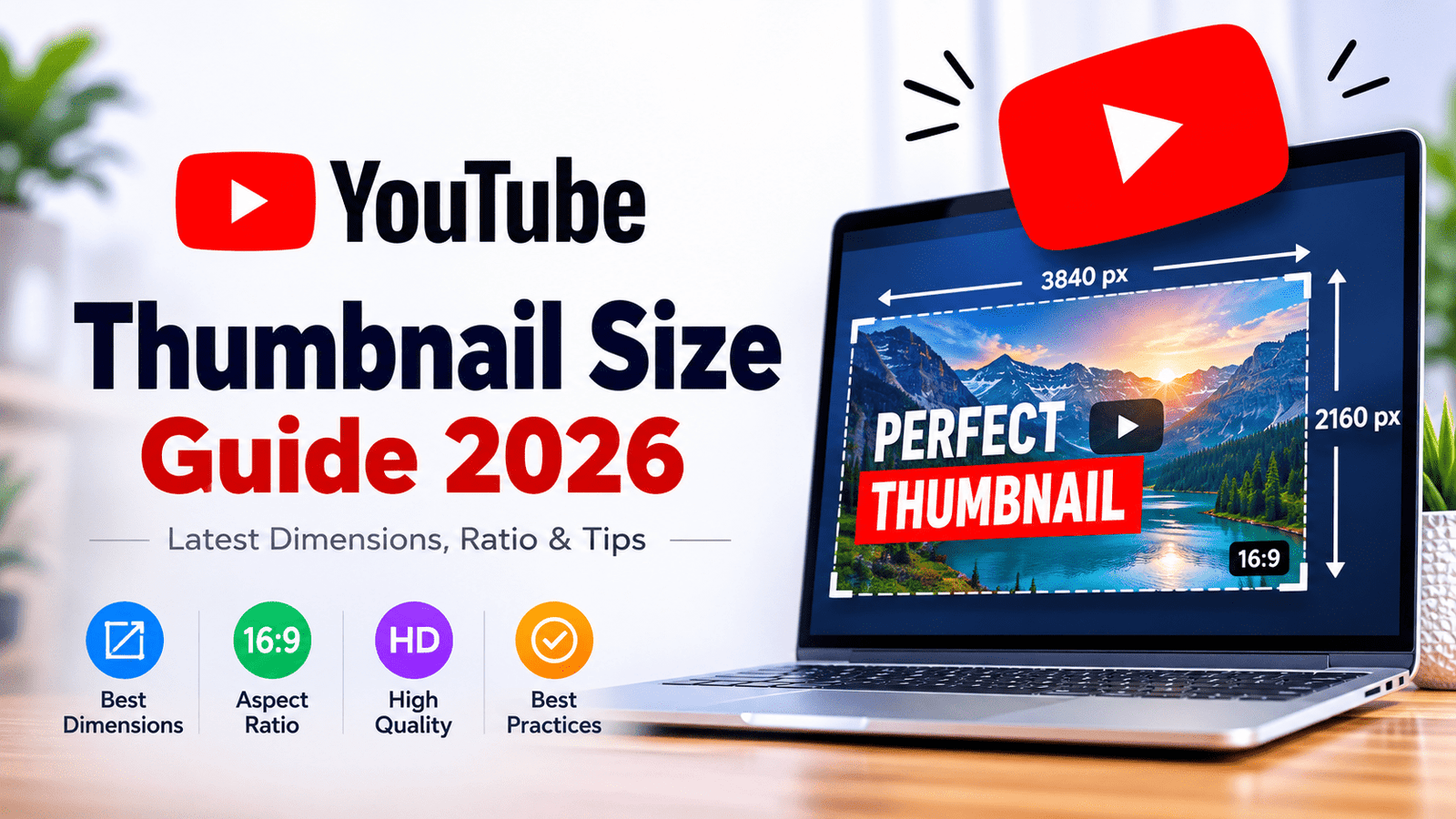
If you are creating a YouTube video, your thumbnail is one of the first things people see. A good thumbnail can make your video stand out in search results, recommendations, and your channel page.
But what is the correct YouTube thumbnail size in 2026?
For standard YouTube videos, YouTube currently recommends creating custom thumbnails at 3840 × 2160 pixels with a 16:9 aspect ratio. YouTube also recommends using JPG or PNG images.
This guide explains the recommended YouTube thumbnail dimensions, aspect ratio, file formats, file-size limits, Shorts thumbnail size, and the difference between 1280 × 720 and 3840 × 2160.
Quick Answer: What Is the YouTube Thumbnail Size in 2026?
For a standard YouTube video, the recommended thumbnail size is:
| Specification | Recommended |
| Width | 3840 pixels |
| Height | 2160 pixels |
| Aspect ratio | 16:9 |
| Format | JPG or PNG |
| Minimum width | 640 pixels |
| Recommended resolution | 3840 × 2160 |
| Standard thumbnail shape | Landscape |
YouTube’s current Help documentation recommends 3840 × 2160 pixels for custom video thumbnails and says to use a 16:9 aspect ratio because it is the most commonly used ratio in YouTube players and previews.
What about 1280 × 720?
You may have seen 1280 × 720 recommended on many websites.
There is a reason for that.
Google’s advertising documentation still lists 1280 × 720 pixels as the recommended resolution for YouTube video-ad thumbnails.
However, YouTube’s current creator Help documentation recommends uploading custom video thumbnails at 3840 × 2160 pixels.
So, if you are designing a new thumbnail for your YouTube channel in 2026, 3840 × 2160 is the better target when your workflow and file-size limits allow it.
Why Is 16:9 the Best YouTube Thumbnail Aspect Ratio?
The standard YouTube thumbnail aspect ratio is 16:9.
That means the image is wider than it is tall.
For example:
- 3840 × 2160 = 16:9
- 1920 × 1080 = 16:9
- 1280 × 720 = 16:9
YouTube’s video player commonly uses the 16:9 format, which is why YouTube recommends this aspect ratio for standard video thumbnails.
Using 16:9 also makes it easier to design one thumbnail that looks natural across different YouTube surfaces.
YouTube Thumbnail Dimensions: 3840 × 2160 vs 1920 × 1080 vs 1280 × 720
All three dimensions have the same 16:9 aspect ratio, but they contain different numbers of pixels.
| Thumbnail size | Aspect ratio | Best use |
| 3840 × 2160 | 16:9 | Best choice for new high-resolution designs |
| 1920 × 1080 | 16:9 | Excellent Full HD workflow |
| 1280 × 720 | 16:9 | Common legacy/reference size |
| 640 × 360 | 16:9 | Small, lower-resolution image |
If you are starting a new thumbnail design today, working at 3840 × 2160 gives you more pixels to work with.
However, a larger canvas does not automatically make a thumbnail better.
A simple, sharp 1920 × 1080 design can be much more effective than a poorly designed 3840 × 2160 image.
The design itself still matters.
What File Format Should a YouTube Thumbnail Use?
YouTube recommends image formats such as JPG and PNG for custom thumbnails.
JPG
JPG is a good choice when:
- Your thumbnail contains photographs
- You want a smaller file size
- Your image has many colors
- You need to compress the image
For most photo-based thumbnails, JPG is a practical option.
PNG
PNG is useful when:
- Your design contains text
- You have logos or graphics
- You need transparency during your design workflow
- Your image contains sharp graphic elements
PNG files can become significantly larger than JPG files, so always check the final file size before uploading.
What Is the Maximum YouTube Thumbnail File Size?
The current limit depends on how you upload the thumbnail.
YouTube’s current Help documentation says video thumbnails can be up to 2 MB when uploaded from mobile, while the desktop limit is 50 MB for video thumbnails.
This is important if you create a 3840 × 2160 thumbnail.
A high-resolution PNG can easily become a large file, so you may need to compress it before uploading.
For a normal photo-based thumbnail, exporting as a high-quality JPG is often an easy way to reduce the file size.
What Is the Best YouTube Thumbnail Size for 1080p?
If your design software or workflow is based around Full HD, 1920 × 1080 pixels is still a very useful thumbnail canvas.
It has:
- 16:9 aspect ratio
- 1920-pixel width
- 1080-pixel height
- Enough resolution for a sharp thumbnail
- Easy compatibility with most design tools
However, YouTube’s current creator documentation recommends 3840 × 2160 for custom video thumbnails.
Therefore:
For a new design: 3840 × 2160
For an existing Full HD workflow: 1920 × 1080 is still practical
What Is the YouTube Shorts Thumbnail Size?
Shorts are different from standard YouTube videos.
For Shorts, YouTube recommends a 9:16 aspect ratio and a resolution of 2160 × 3840 pixels for custom Shorts thumbnails.
That means the image is vertical rather than horizontal.
Shorts thumbnail dimensions
2160 × 3840 pixels
Aspect ratio:
9:16
This is the same general vertical format used for Shorts content.
However, there is an important difference between standard YouTube videos and Shorts.
YouTube currently does not allow Shorts thumbnails to be uploaded in exactly the same way as custom thumbnails for long-form videos. YouTube’s documentation explains that Shorts thumbnails can be selected through the Shorts workflow, with custom Shorts thumbnail uploading available in YouTube Studio on a computer for eligible accounts.
So if you are designing a thumbnail for a Short, create the artwork vertically from the beginning.
YouTube Thumbnail Size for Mobile
A YouTube thumbnail needs to remain readable when it appears on a relatively small screen.
This is why simply creating a high-resolution image is not enough.
Your thumbnail should have:
- Large, readable text
- Strong contrast
- One clear visual idea
- A recognizable subject
- Minimal unnecessary detail
- Important elements away from the edges
Remember that viewers may see your thumbnail at a much smaller size than the original 3840 × 2160 image.
A good test is to zoom out or view your thumbnail as a small image.
If you cannot understand the main idea within a second or two, simplify it.
Should YouTube Thumbnails Be 4K?
This is one of the most common questions about thumbnail resolution.
A 4K image is generally 3840 × 2160 pixels.
YouTube’s current custom thumbnail guidance recommends exactly this resolution for standard videos.
But there is an important distinction:
A 3840 × 2160 canvas does not mean that every YouTube thumbnail available online originally came from a 4K source.
If you download an existing thumbnail, its actual available resolution depends on the source image.
For example, an image may be displayed beautifully at a particular size but have been created or stored at a lower resolution.
If you want to check the actual dimensions of an existing YouTube thumbnail, you can use a YouTube thumbnail downloader such as:
After downloading the image, check its properties to see its actual width and height.
What Happens If Your Thumbnail Is Too Small?
YouTube recommends using a thumbnail that is as large as possible.
A low-resolution image can become blurry when displayed in larger contexts.
For example, stretching a small 640 × 360 image to a much larger size does not create additional detail. It simply enlarges the existing pixels.
This is why it is better to create your thumbnail at a high resolution from the beginning.
What Makes a Good YouTube Thumbnail?
Thumbnail dimensions are important, but dimensions alone won’t make people click.
A strong YouTube thumbnail usually has a clear visual hierarchy.
1. Keep the main subject obvious
The viewer should immediately understand what the thumbnail is about.
If your video is about a mountain trip, for example, don’t fill the entire thumbnail with ten unrelated elements.
Show the mountain, the person, the vehicle, or another strong visual that communicates the story.
2. Use readable text
Avoid long sentences.
A few large words are generally easier to understand than a paragraph.
For example:
BAD
“Complete Guide to Visiting the Most Beautiful Mountain Places in India”
BETTER
“BEST MOUNTAIN TRIP”
The title can provide the additional information.
3. Use strong contrast
Text should be easy to read against the background.
If your background is bright, dark text or a strong text outline can help.
If the background is dark, lighter text may work better.
4. Don’t overcrowd the image
More elements do not necessarily make a thumbnail better.
A clean thumbnail can stand out more than one filled with tiny text, arrows, circles, logos and multiple photographs.
5. Design for small screens
Before publishing, reduce the thumbnail to a small size.
Ask yourself:
Can I still understand what this video is about?
If yes, the design is probably working.
YouTube Thumbnail Safe Area
YouTube does not provide one universal “safe area” for every thumbnail situation in the same way that some social platforms provide fixed overlay guides.
Instead, the safest approach is to keep important text and faces away from the extreme edges.
Don’t place critical words directly against the border.
Leave enough breathing room around:
- Text
- Faces
- Logos
- Important objects
- Numbers
This also makes your thumbnail look cleaner on different screen sizes.
Best YouTube Thumbnail Size for Different Types of Content
Here is a simple reference:
| Content | Recommended size | Ratio |
| Standard YouTube video | 3840 × 2160 | 16:9 |
| Full HD thumbnail workflow | 1920 × 1080 | 16:9 |
| Common older thumbnail size | 1280 × 720 | 16:9 |
| YouTube Shorts | 2160 × 3840 | 9:16 |
| Podcast playlist thumbnail | Square | 1:1 |
YouTube specifically recommends a 1:1 aspect ratio for podcast playlists rather than the standard 16:9 video-thumbnail format.
Can You Use a 1280 × 720 Thumbnail in 2026?
Yes, 1280 × 720 remains a widely referenced 16:9 thumbnail dimension, and Google’s YouTube advertising documentation still lists it as a recommended thumbnail resolution for video ads.
But for creators preparing new custom thumbnails, YouTube’s current creator documentation recommends 3840 × 2160.
So if you are choosing your design canvas today, there is little reason to deliberately start with a smaller image if your design software and upload workflow can handle the larger resolution.
Best YouTube Thumbnail Size: Final Recommendation
If you want one simple answer, use:
Standard YouTube video
3840 × 2160 pixels
16:9 aspect ratio
JPG or PNG
YouTube Shorts
2160 × 3840 pixels
9:16 aspect ratio
YouTube’s current Help documentation recommends these resolutions for custom video and Shorts thumbnails.
Frequently Asked Questions
What is the YouTube thumbnail size in 2026?
The current recommended size for a standard custom YouTube video thumbnail is 3840 × 2160 pixels, with a 16:9 aspect ratio.
Is 1920 × 1080 good for YouTube thumbnails?
Yes. 1920 × 1080 has the correct 16:9 aspect ratio and is a practical Full HD design size. However, YouTube currently recommends 3840 × 2160 for custom video thumbnails.
Is 1280 × 720 still a YouTube thumbnail size?
Yes. 1280 × 720 is a 16:9 thumbnail size and remains referenced in Google’s YouTube advertising specifications. For new creator thumbnails, YouTube’s current Help page recommends 3840 × 2160.
What is the YouTube Shorts thumbnail size?
YouTube recommends 2160 × 3840 pixels with a 9:16 aspect ratio for Shorts thumbnails.
What format should a YouTube thumbnail be?
JPG or PNG are recommended formats for custom YouTube thumbnails.
How large can a YouTube thumbnail file be?
YouTube currently lists different limits depending on the upload method. For video thumbnails, the limit is 2 MB on mobile and 50 MB on desktop.
Does a 4K thumbnail guarantee more views?
No.
Resolution can help your thumbnail remain sharp, but it does not guarantee more clicks or views.
The subject, composition, text, contrast and relevance to the video all matter.
YouTube also provides thumbnail and title A/B testing features, allowing creators to compare different versions and see which performs better.
In Summary
The technical side of YouTube thumbnails is relatively simple.
For standard videos, start with 3840 × 2160 pixels and a 16:9 aspect ratio. For Shorts, use the vertical 9:16 format and design around 2160 × 3840 pixels.
But don’t confuse high resolution with good design.
A thumbnail should be easy to understand, readable on a small screen and visually connected to the video’s actual content.
If you already have a YouTube video and want to check or download its existing thumbnail, you can use a free YouTube thumbnail downloader to quickly retrieve the available image and check its dimensions.
Create at the highest practical resolution, keep the design simple, and always optimize for the viewer rather than the image dimensions alone.