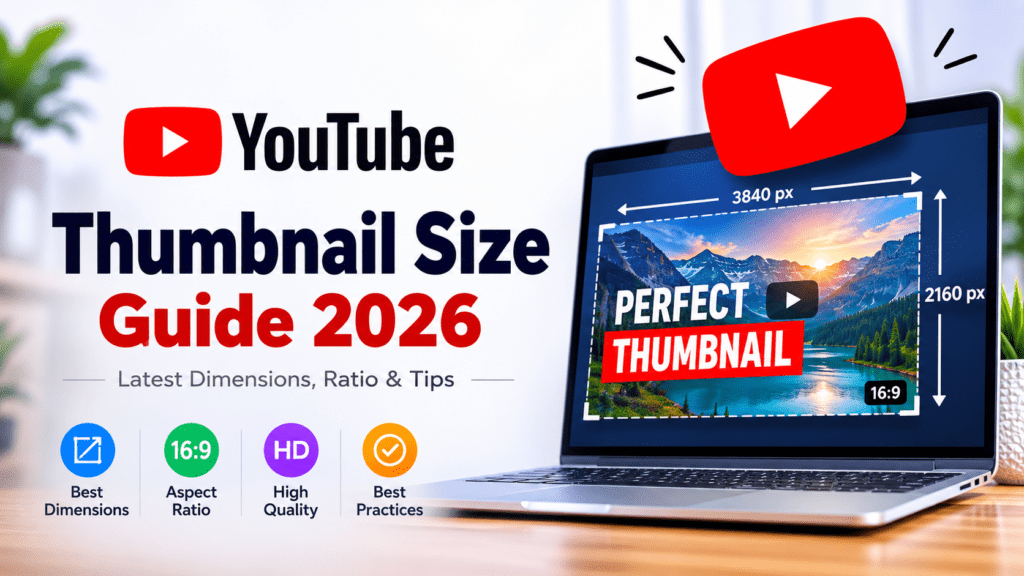

Why Your YouTube Thumbnail Size Matters
Your YouTube thumbnail is the first thing viewers see — it’s your click magnet.
A perfectly sized thumbnail not only looks sharp on all devices but also improves your CTR (click-through rate), which YouTube uses as a ranking signal.
If your thumbnail looks blurry or cropped, your video could lose clicks even if the content is great.
The Perfect YouTube Thumbnail Size (2025 Standard)
✅ Recommended YouTube Thumbnail Size:
1280 x 720 pixels
✅ Minimum Width:
640 pixels
✅ Aspect Ratio:
16:9
✅ File Size Limit:
2 MB or less
✅ Accepted Formats:
JPG, PNG, BMP, or GIF (no animated GIFs)
✅ Best Resolution:
Use 1920×1080 (Full HD) for future-proof clarity — YouTube automatically resizes thumbnails for smaller devices.
Quick Reference Table
| Format | Size (pixels) | Aspect Ratio | File Type | Best For |
|---|---|---|---|---|
| Standard | 1280×720 | 16:9 | JPG, PNG | Regular videos |
| HD | 1920×1080 | 16:9 | JPG, PNG | 4K & HD videos |
| Shorts Preview | 1080×1920 | 9:16 | JPG, PNG | YouTube Shorts |
| Square | 1080×1080 | 1:1 | JPG, PNG | Instagram / TikTok |
| Custom | 1280×800 | 16:10 | JPG | Cinematic look |
Common Thumbnail Size Mistakes to Avoid
- Uploading low-resolution images (below 720p) → appear blurry on desktop.
- Using vertical images → gets cropped on preview.
- Text too close to borders → gets cut off on smaller screens.
- File size above 2 MB → may fail to upload or load slowly.
Pro Tip: Download & Test Any YouTube Thumbnail
Want to check how top creators design their thumbnails?
You can download any YouTube thumbnail in HD using our free tool:
👉 YouTube Thumbnail Downloader – Free HD & No Watermark
Just paste the video link, click download, and compare your design with trending thumbnails.
Ideal Thumbnail Design Tips (2025)
To make your thumbnail stand out:
- Use bold readable fonts like Montserrat, Impact, or Bebas Neue.
- Maintain high color contrast — bright subject, dark background.
- Add your face or emotion (YouTube CTR studies show up to +30% lift).
- Keep text under 5 words — short, powerful, and emotional.
- Stay consistent with your channel branding and color palette.
Mobile & Smart TV Optimization
Over 70% of YouTube views come from mobile, and 10% from smart TVs.
That means your thumbnail should:
- Be legible even at 120×90 px size (mobile preview).
- Use bold center-aligned elements for smaller screens.
- Avoid tiny details or text on corners.
Bonus: YouTube Shorts Thumbnail Size
YouTube Shorts have a vertical orientation (9:16).
Use 1080 x 1920 pixels, and ensure your key visuals stay in the center-safe zone — so it looks good on both Shorts feed and YouTube search.
Quick Checklist Before You Upload
✔ Thumbnail resolution: 1280×720 or higher
✔ Aspect ratio: 16:9
✔ File size under 2 MB
✔ Saved as .JPG or .PNG
✔ Text visible on mobile preview
✔ Uploaded before your video is published
FAQs
Q1: What is the ideal YouTube thumbnail size in 2025?
A: The best size remains 1280×720 pixels (16:9) for full HD clarity.
Q2: What’s the YouTube Shorts thumbnail size?
A: Use 1080×1920 pixels (9:16) for vertical videos.
Q3: Can I download YouTube thumbnails from any video?
A: Yes! Use our free YouTube Thumbnail Downloader to save HD thumbnails instantly.
Your thumbnail is your video’s first impression — treat it like a mini movie poster.
Follow the right size, design with intent, and use your own HD thumbnails for a polished, professional look.
When in doubt, test and analyze.
And if you ever need inspiration, just download a few thumbnails from popular channels using our HD Thumbnail Downloader and learn from the best.